


You Don’t Have an AI Problem. You Have a Manual Work Problem.
If you lead a local or regional service business, you are probably hearing the same message from every direction: adopt AI, add an AI assistant, automate your operations, or risk falling behind.
That advice sounds urgent. It is also incomplete.
Your primary constraint may not be a lack of software. It may be the amount of manual work embedded in your daily operations.
Your team may be copying information between systems, responding to routine inquiries, compiling reports, qualifying leads, scheduling appointments, or answering the same questions after hours. These tasks consume attention without necessarily creating proportional value.
The solution is not to purchase another platform and hope the problem disappears. The solution is to identify where manual work is slowing your business, determine which steps are suitable for automation, and introduce only the technology that solves a clearly defined operational constraint.
That is the purpose of a diagnose-first approach.
The Problem: AI Is Being Treated as a Product, Not a Business Decision
AI is often presented as something you buy. This creates a familiar pattern:
- A vendor demonstrates an impressive tool.
- Your leadership team becomes interested in its capabilities.
- The business adopts the platform before documenting the workflow.
- Employees are asked to change their habits around the technology.
- The organization struggles to prove whether the investment improved performance.
This approach puts the tool before the business need.
For an owner-led company with 5 to 100 employees, that can create unnecessary complexity. Your team may end up managing overlapping applications, inconsistent data, unclear ownership, and automated processes that still require substantial human correction.
A more disciplined question is:
Where is manual work limiting growth, service quality, responsiveness, or management visibility?
Once you answer that question, AI becomes more useful. It becomes an instrument for removing friction rather than another initiative competing for your team’s attention.
Manual Work Is Often Hidden in Plain Sight
Manual work does not always look like a major operational problem. It often appears as a series of small tasks distributed across the organization.
A service business may lose hours through:
- Copying lead information from a website form into a CRM
- Responding to routine inquiries received outside business hours
- Re-entering customer information into multiple systems
- Preparing weekly sales or operations reports
- Checking calendars and coordinating appointments
- Sorting incoming emails and routing requests
- Following up with prospects who have not received a timely response
- Reconciling spreadsheets before leadership meetings
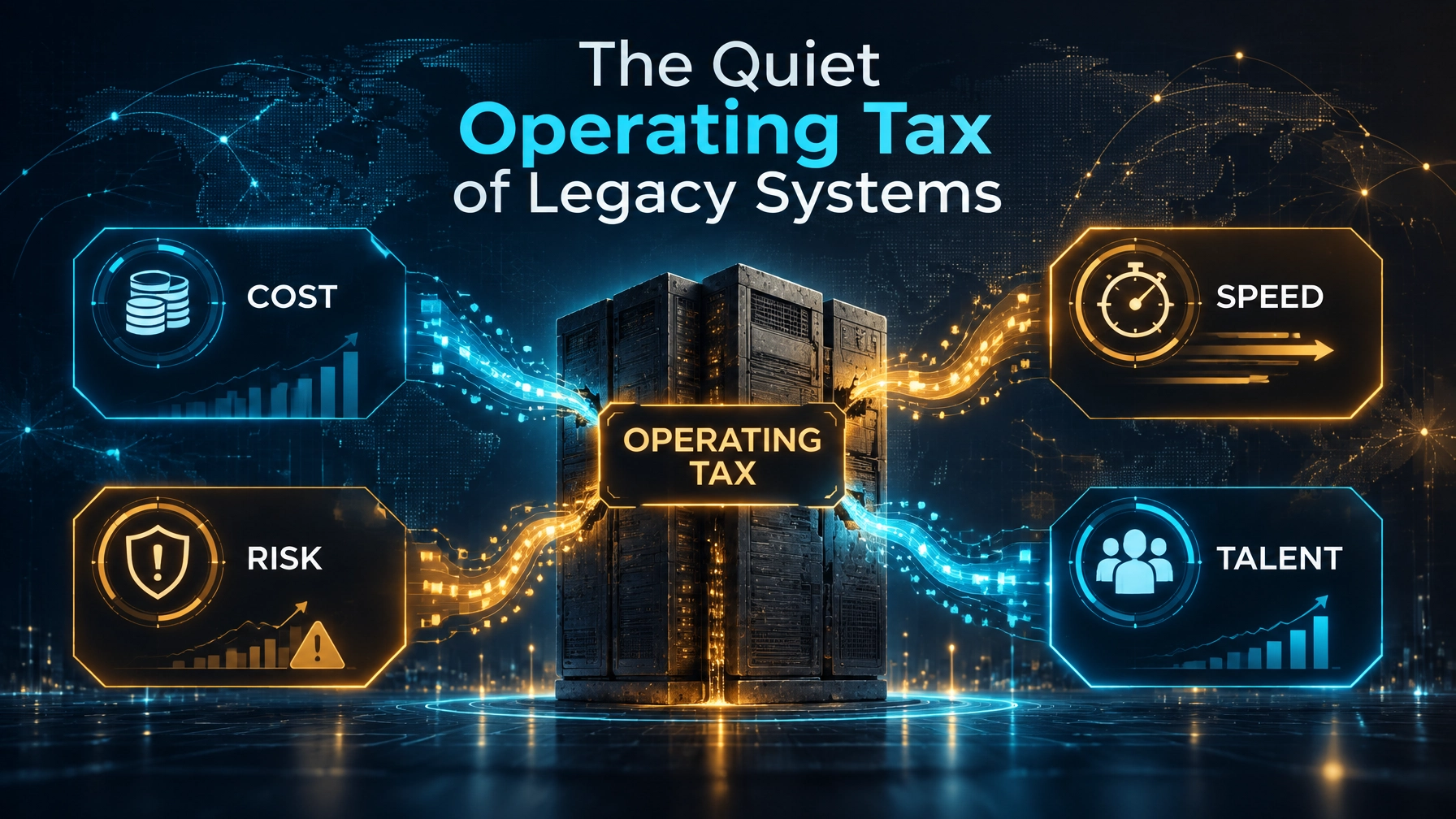
Each task may appear manageable. Collectively, they create an invisible tax on the business.
The consequence is not only lost time. Manual work can also produce:
- Slower customer response
- Missed or poorly qualified opportunities
- Inconsistent service delivery
- Reporting delays
- Data entry errors
- Employee frustration
- Reduced management capacity
The challenge is especially significant when the owner or senior leadership team remains responsible for reviewing work that should already be structured, routed, or summarized.
Start With the AI Readiness Snapshot
Before you select a tool, begin with an AI Readiness Snapshot.
This diagnostic process helps you assess how work currently moves through the business. It focuses on operational reality, not technology hype.
A practical snapshot should examine four areas:
1. Workflow
Document the steps involved in a recurring process.
For example, when a new lead contacts your business:
- Where does the inquiry arrive?
- Who sees it first?
- How quickly is it acknowledged?
- What questions are asked?
- Where is the information recorded?
- How is the opportunity assigned?
- What happens if the inquiry arrives after hours?
This exercise often reveals that the problem is not a lack of lead volume. It is a fragmented response process.
2. Data
Determine what information exists and whether it is usable.
Review:
- CRM records
- Website forms
- Shared inboxes
- Call logs
- Calendars
- Accounting systems
- Spreadsheets
- Customer service records
You do not need perfect data to begin. You do need enough consistency to understand the process and define the desired output.
3. Systems
Map the tools your team already uses.
The objective is not automatically to replace them. In many cases, the most effective solution is to improve how existing systems communicate with one another.
Look for:
- Existing automation capabilities
- Integration options
- Duplicate data entry
- Manual exports and imports
- Unused features within current platforms
- Security and access controls
A focused technology assessment can help you distinguish between a true systems constraint and a process that simply lacks clear ownership.
4. People
Automation affects the people who perform and oversee the work.
You should understand:
- Who currently owns the process
- Which decisions require judgment
- Where errors most often occur
- Which steps employees believe should be eliminated
- Where a human review must remain in place
- What training the team will need
This is where integrity, transparency, and accountability matter. Automation should support your team and improve the quality of work. It should not be introduced without explaining how decisions are made or how exceptions will be handled.
Choose One or Two High-Value Workflows
After the diagnostic, resist the temptation to automate everything.
The strongest first use case is usually a process that is:
- Frequent
- Repetitive
- Easy to describe
- Measurable
- Important to customer experience or management performance
- Appropriate for human review
For many local and regional service businesses, three areas offer a practical starting point.
Lead Capture
A focused workflow can:
- Receive a lead from a website form or chat channel.
- Send an immediate acknowledgment.
- Ask a short set of qualifying questions.
- Create a structured record.
- Route the opportunity to the appropriate team member.
- Flag high-intent inquiries for prompt attention.
The goal is not to replace your sales team. It is to ensure that your sales team receives better information, sooner.
After-Hours Response
Customers do not always contact you during business hours. A structured after-hours process can:
- Answer approved frequently asked questions
- Collect contact and project details
- Clarify urgency
- Create a task or ticket
- Route sensitive matters to a human
- Prepare a complete summary for the next business day
This creates a more seamless customer experience without requiring your team to monitor every channel throughout the night.
Administrative Reporting
Leadership should not have to wait until the end of the month to understand what is happening.
A focused reporting workflow can gather information from existing systems, organize recurring metrics, and prepare a management summary for review.
Your team should spend less time compiling numbers and more time interpreting them.
The human role remains essential. A manager should review the output, confirm material figures, and investigate exceptions before information is distributed or used for a consequential decision.

Measure the Work Before You Automate It
You cannot demonstrate improvement without a baseline.
Before introducing an automation, document:
- How many times the process occurs
- How long each occurrence takes
- Who performs the work
- Where delays occur
- How frequently errors require correction
- What customer or management outcome is affected
Then establish a small set of practical measures.
For lead capture, track:
- Time from inquiry to acknowledgment
- Percentage of leads with complete information
- Follow-up consistency
- Conversion by lead source or qualification level
For after-hours response, track:
- Response time
- Number of inquiries received
- Percentage routed successfully
- Escalation volume
- Customer satisfaction
For administrative reporting, track:
- Time required to prepare the report
- Number of manual steps
- Number of corrections
- Reporting timeliness
- Leadership confidence in the information
The objective is not to produce a complicated dashboard. The objective is to determine whether the workflow is becoming faster, more reliable, and easier to manage.

Keep Governance Proportional and Clear
Even a small automation requires boundaries.
Define:
- What the system is permitted to do
- What information it may access
- Which outputs require approval
- Which matters must be escalated
- How sensitive data is protected
- Who reviews performance
- How changes are documented
Your first workflow should generally include a human review point, particularly when it affects customers, financial records, regulated information, or business commitments.
This is also where cybersecurity and data governance become practical business concerns, not abstract technical topics. A focused technology advisory process can help you align automation with your security requirements and operational responsibilities. Explore related technology and programming resources and network security resources as part of your broader assessment.
Scale Only After the First Win Is Proven
Once a workflow demonstrates measurable value, document what worked.
Record:
- The original process
- The new process
- The systems involved
- Human approval points
- Exception handling
- Performance measures
- Lessons from employees and customers
Then decide whether to improve the existing workflow or move to the next opportunity.
This approach prevents tool sprawl and protects your organization from a common mistake: expanding automation before the first use case is stable.
For larger organizations or more complex transformation programs, an Enterprise AI Opportunity Audit can provide a broader assessment across functions, systems, data, governance, and strategic priorities. The objective remains the same: identify the business constraint first, then design a tailored solution around it.
The Better AI Question
You do not need to ask, “How do we become an AI company?”
You need to ask:
Which manual process is limiting our performance, and what is the safest, most measurable way to improve it?
That question brings focus to the work that matters.
It helps you protect your team from unnecessary complexity, improve the customer experience, and make technology decisions with greater transparency and accountability.
AI may be part of the answer. It may not be the entire answer.
Start with the work. Diagnose the constraint. Select one meaningful workflow. Measure the result. Then scale with confidence.
That is how you transform AI from a vague technology priority into a practical operating advantage.
For an objective starting point, use the AI Readiness Snapshot to identify where manual work is creating the greatest opportunity for improvement. Your next automation should solve a real business problem, not simply add another tool.